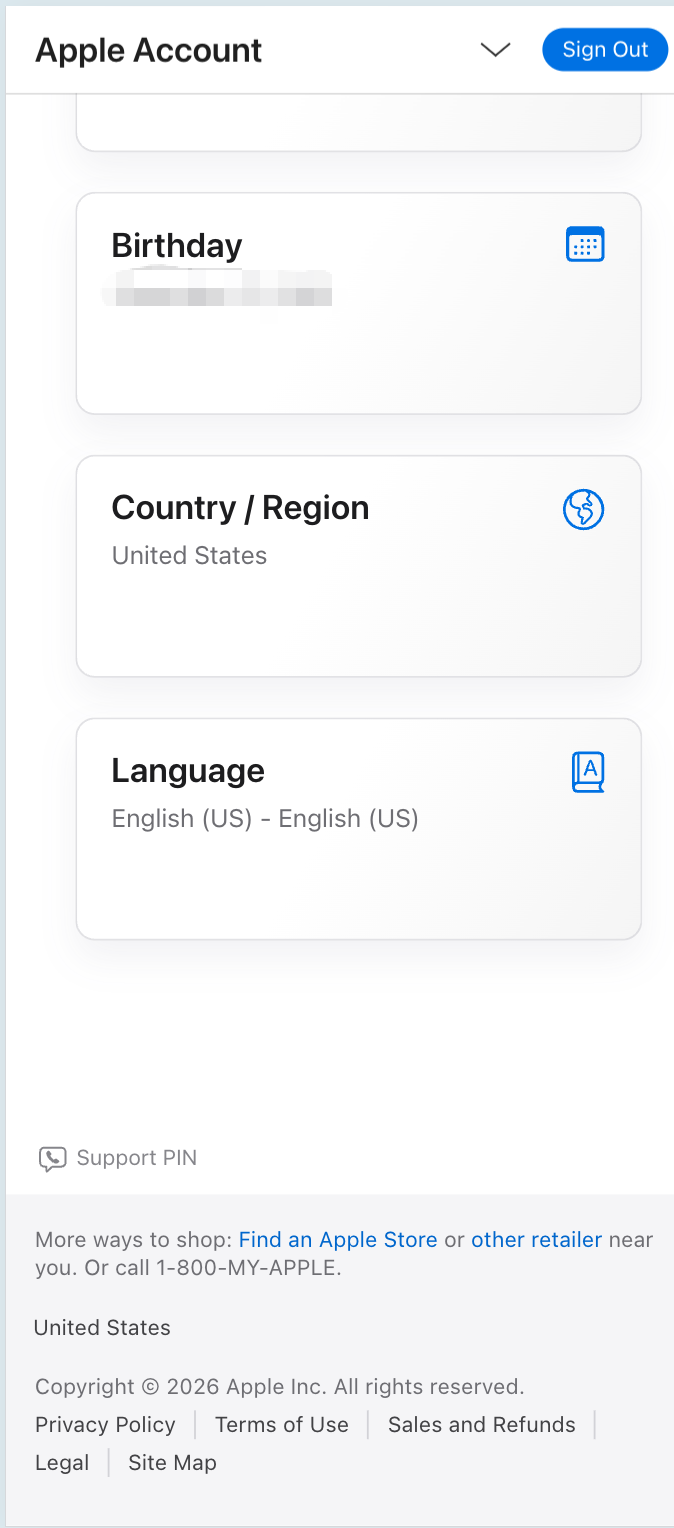
To see which country or region your Apple ID is registered in (for example US, Hong Kong, etc.), use Apple’s official account site.
Recommended: sign in with your browser and open the account information section—look for Country or Region.
Direct link (sign in required): Apple ID — Account information
Note: menus may vary slightly by language or iOS version. On iPhone you can also check under Settings → Apple ID → Media & Purchases / Payment & Shipping, or the region shown for the App Store account.
Your region affects which apps appear in the App Store and which payment methods are available. Use an Apple ID that matches the storefront you need, and follow Apple’s terms.