We're releasing Android & Desktop v6.2. Android users can update from Google Play. If Play isn't available on your device, download the APK from our website Apps / Downloads section. A broader rollout will follow soon — you'll see an in-app update prompt when it's ready.
What's new
-
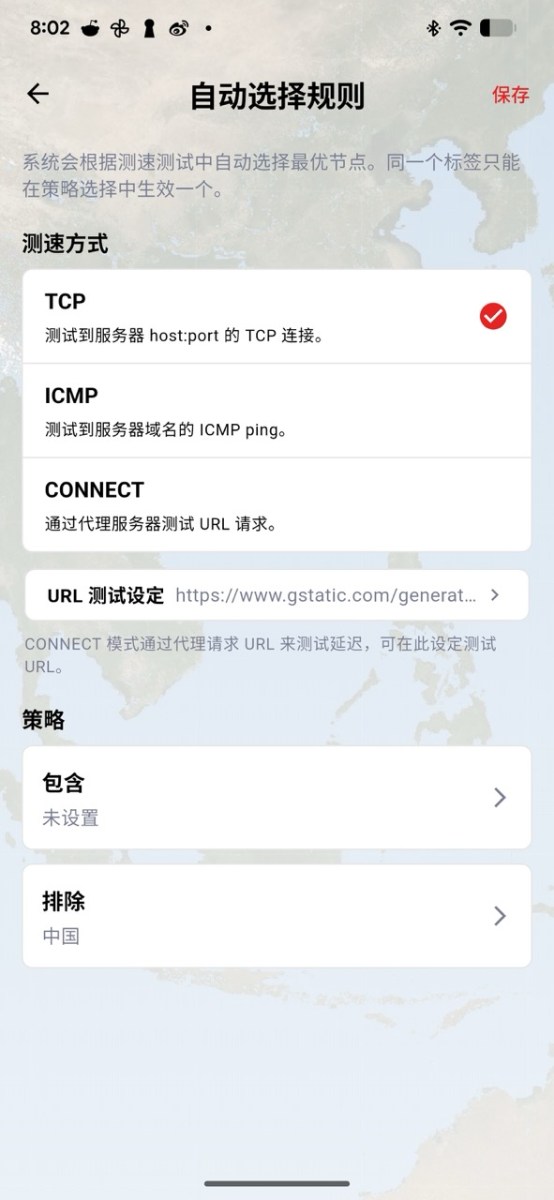
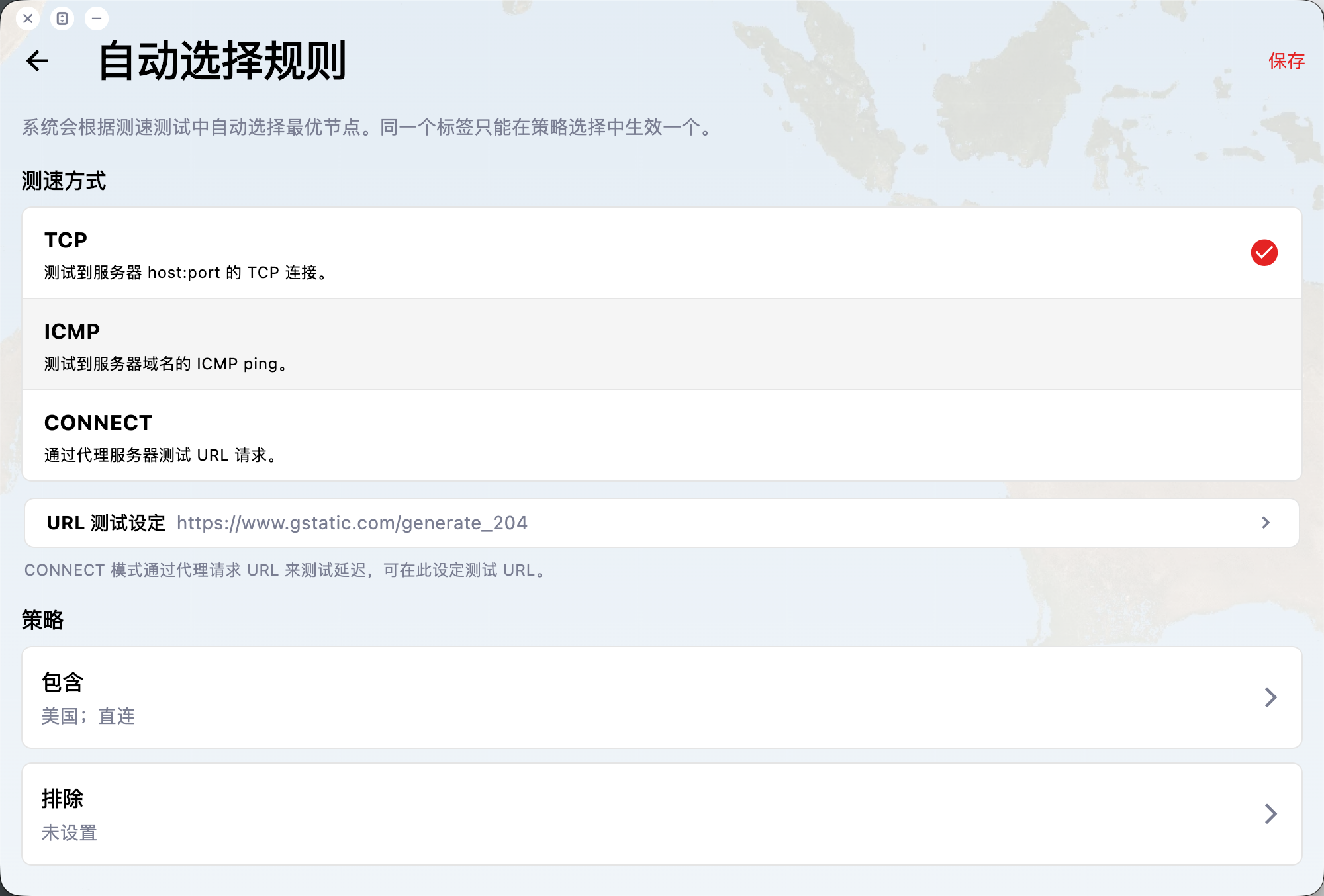
Smarter auto-connect: Built-in auto-selection is now user-configurable, so you can tune behaviour to how you connect.
-
Three tuning modes: Choose among three approaches — prioritise fastest latency, prefer servers by geographic proximity, or combine options that fit your workflow.
-
Highly flexible rules: Include or exclude default servers; for example limit auto-selection to relay lines only, or to a region such as the United States.
-
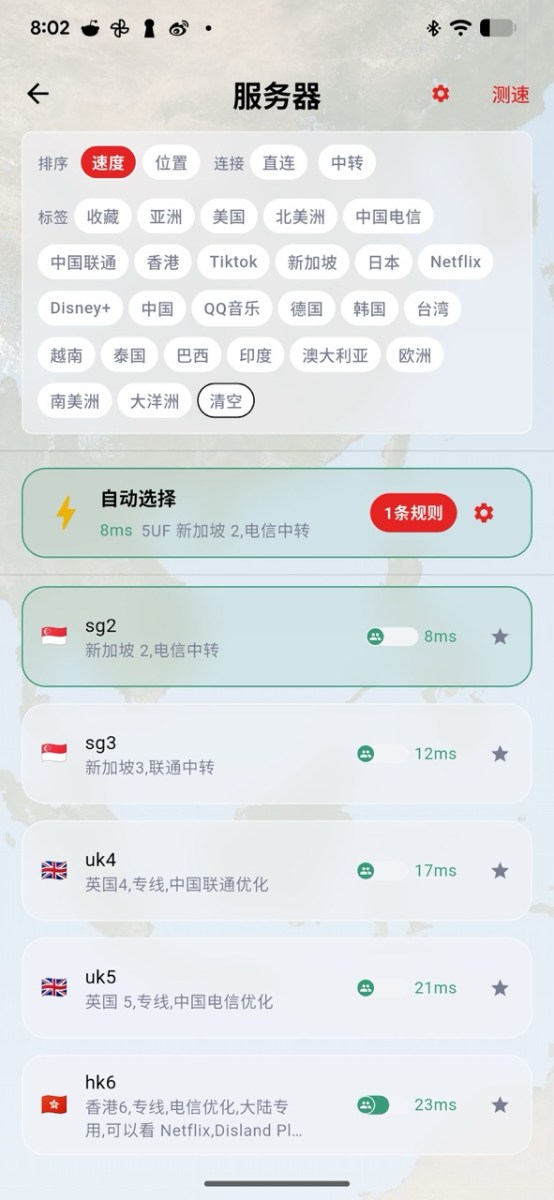
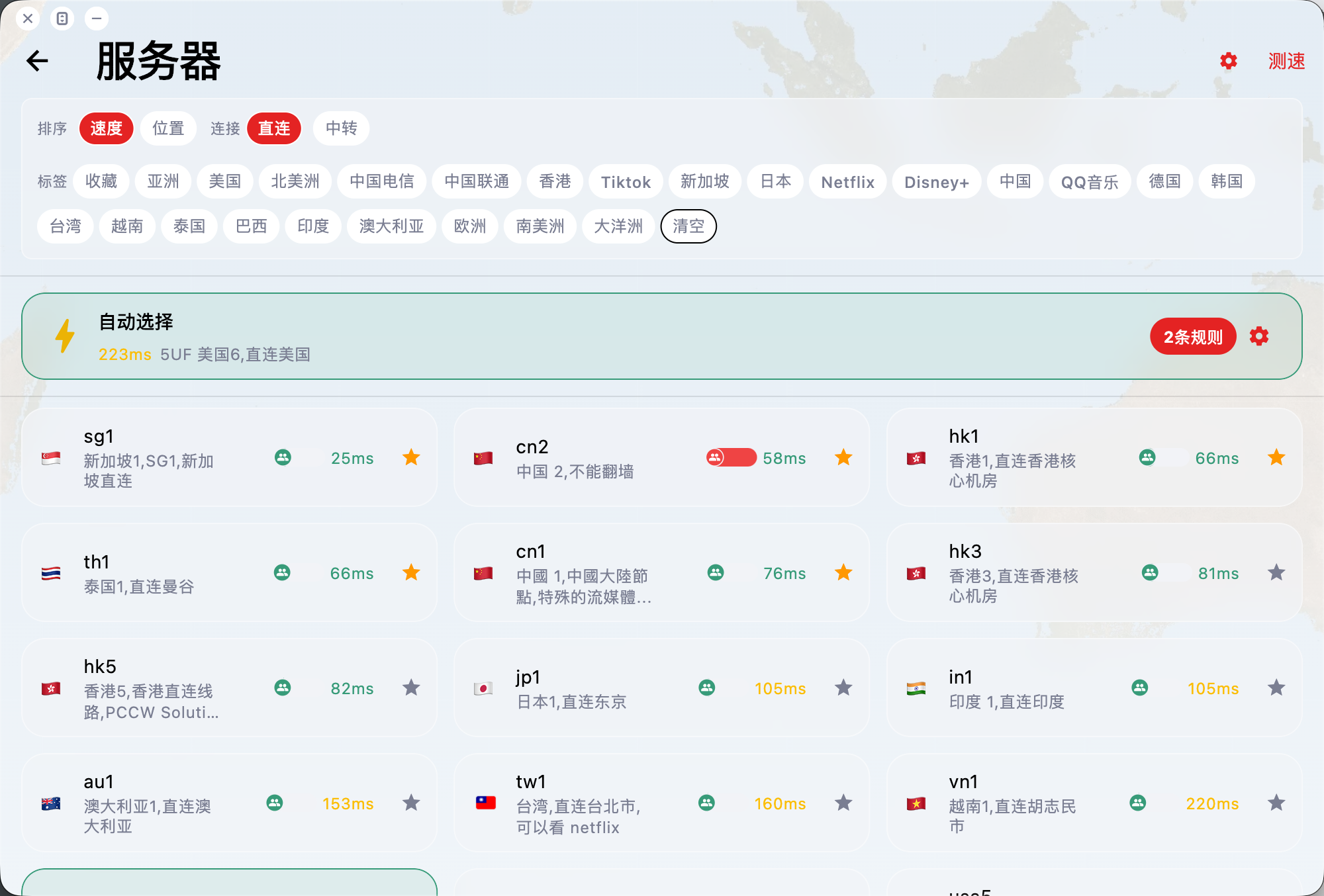
Tag-based server browser: The flat continent grouping is replaced by filters and tags — narrow down relays, regions (e.g. US), and more as the fleet grows.
-
Speed test after filtering: After applying filters, run a quick speed test on the resulting list to validate latency before connecting.
-
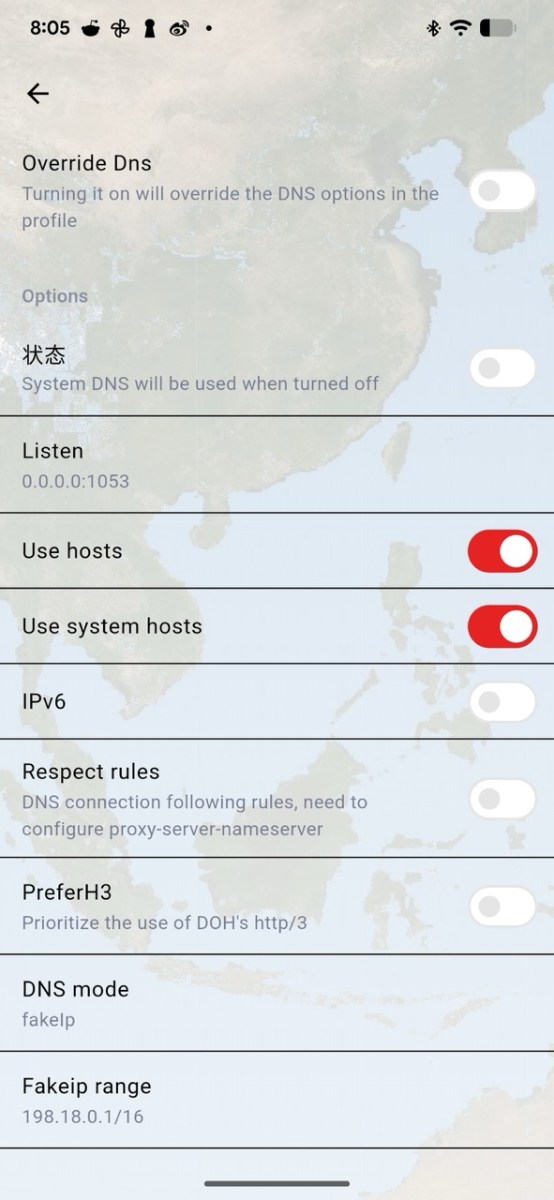
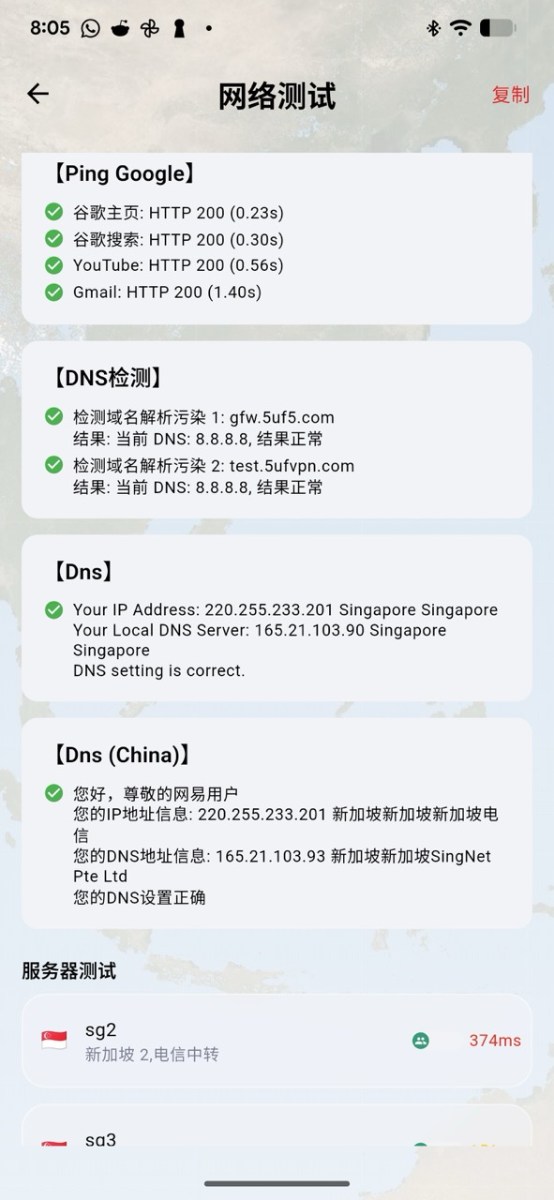
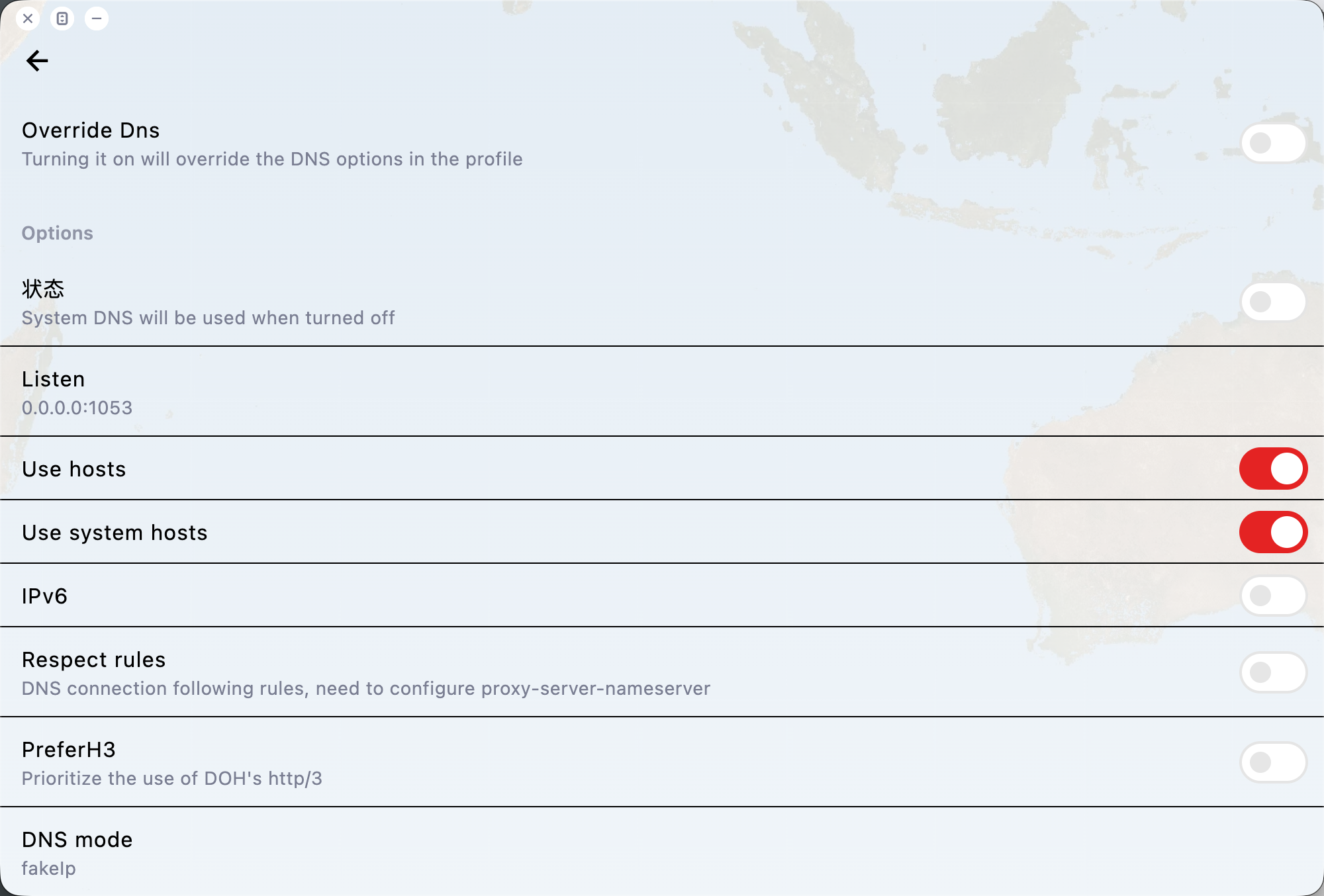
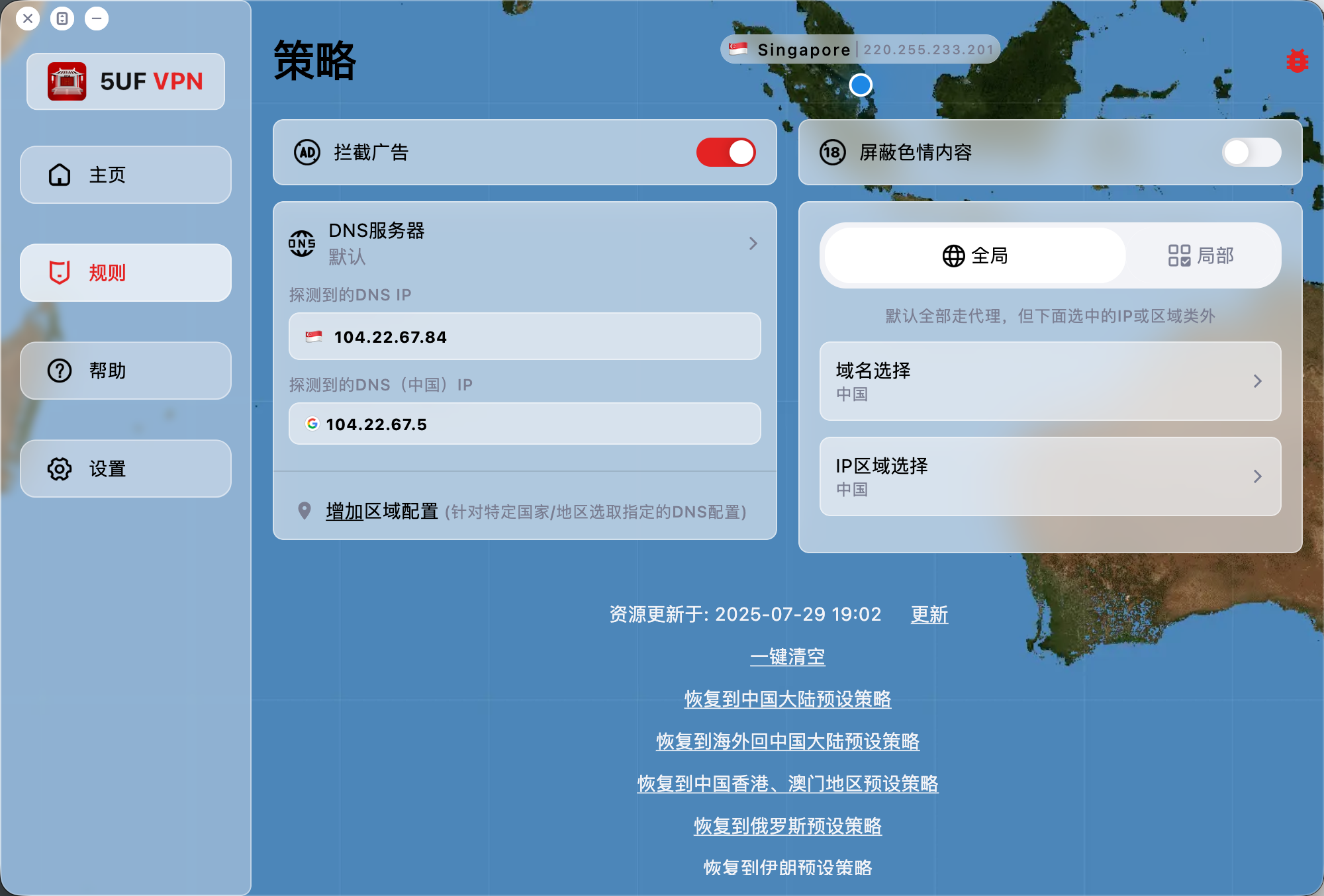
DNS picker & logic: DNS options and resolution logic are simpler and clearer, with better defaults for users who need reliable access from outside mainland China back into China.
-
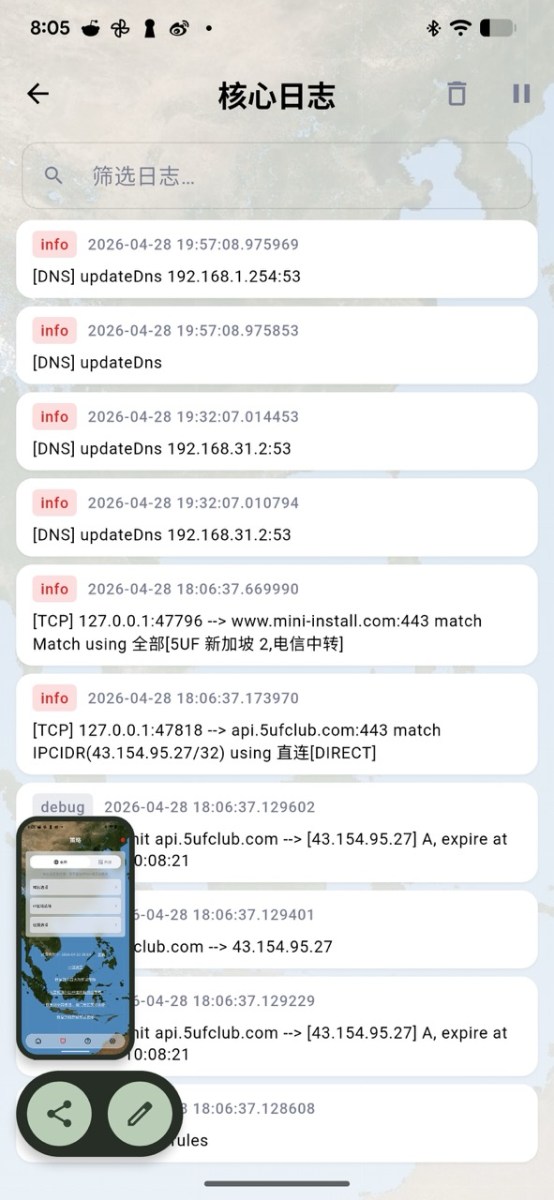
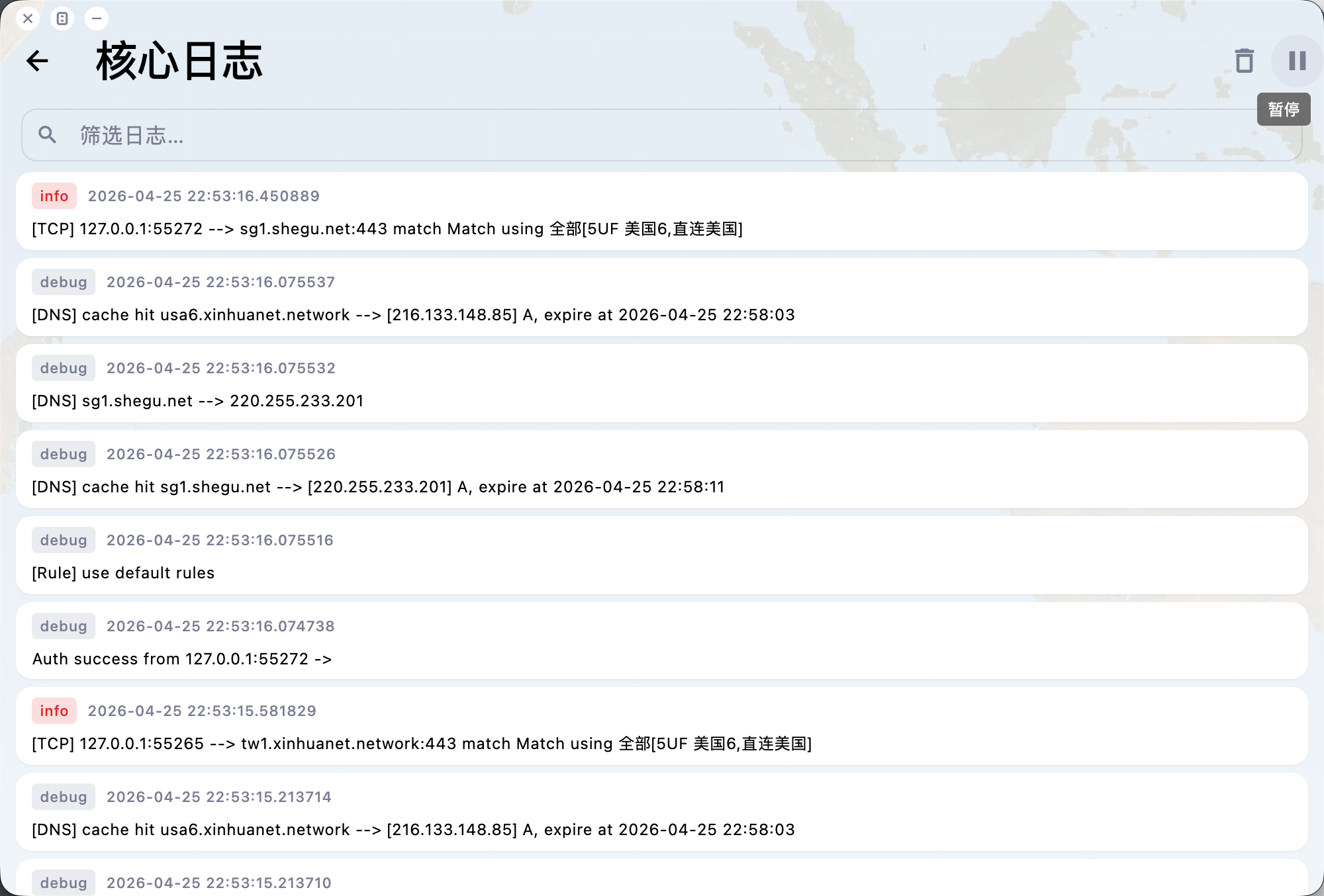
Advanced DNS tools & logs: Next to DNS settings you'll find more advanced tools, including a log viewer for live DNS or network-request logs to aid debugging (available from the DNS sub-menu).
-
Power-user DNS toggles: Additional controls such as disguised / fake DNS and DNS mode are exposed for experts — we recommend changing these only if you know what you're doing.
-
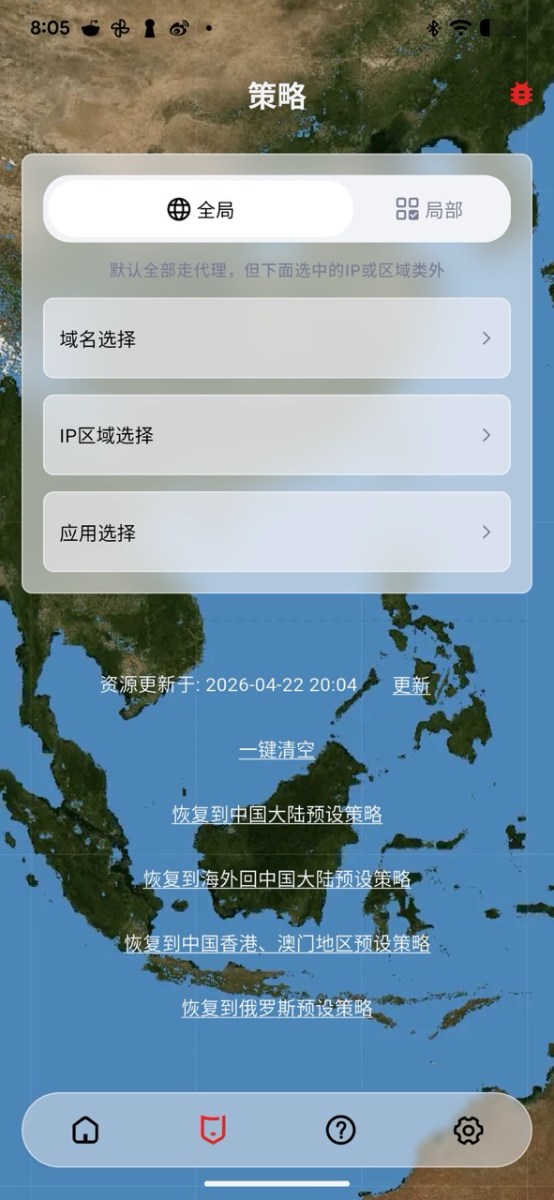
Rules & policies: Under Rules we've fixed and expanded policy handling. Clear all now resets every policy, including auto-connect / auto-pick and DNS-related settings. We've also added a default “overseas → mainland China” rule bundle — one tap for a sensible starting profile.